Openers · The Golden Mile
Garage Door Remote and Keypad Programming in The Golden Mile
The new car has three buttons in the mirror for garage doors.
In plain words
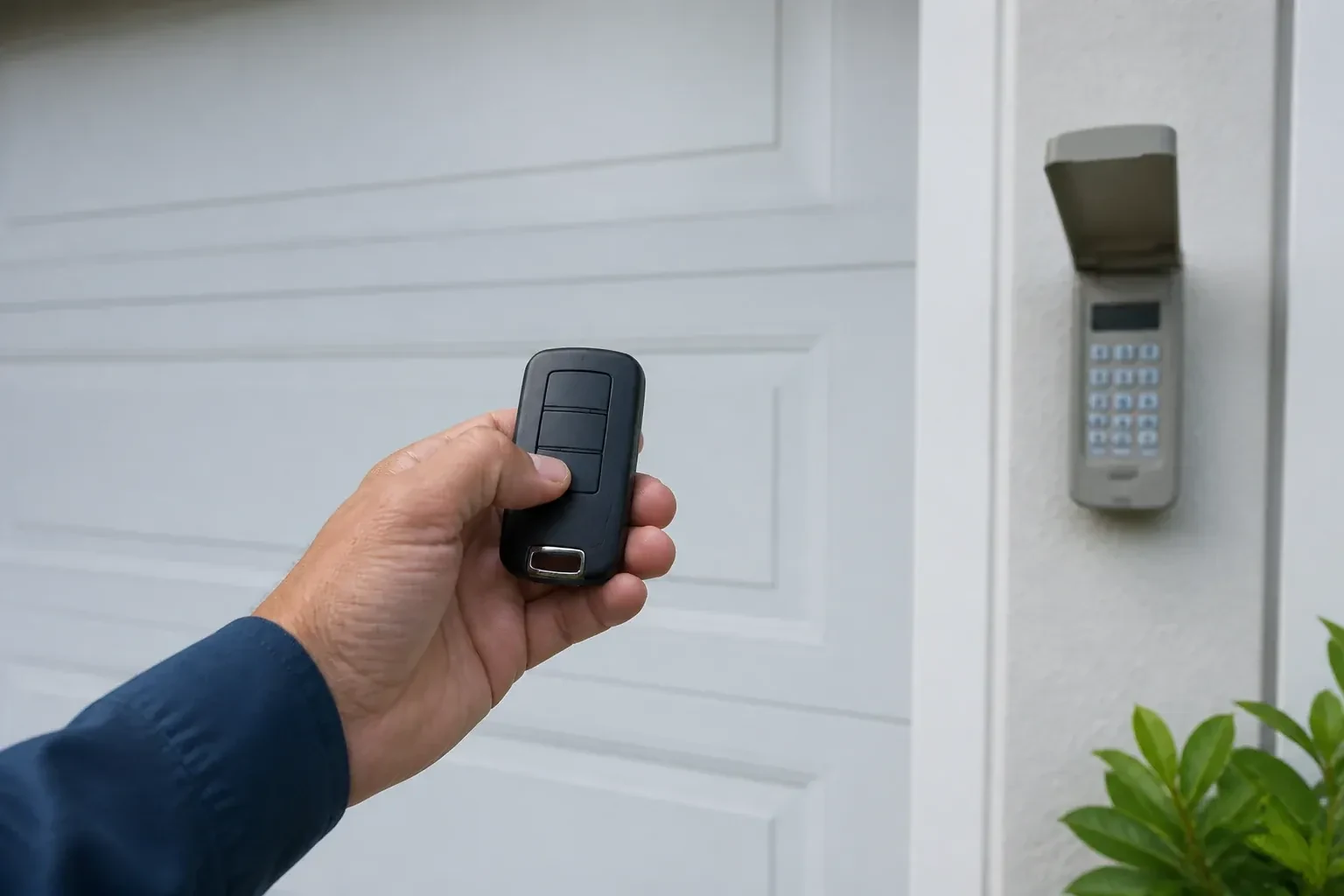
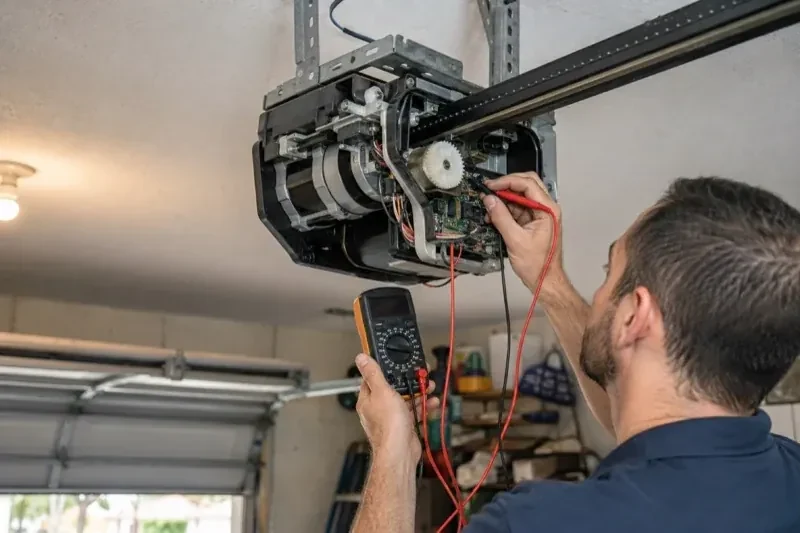
Remote and keypad programming is the service that decides which controls open your garage door and which ones no longer can. Inside the opener is a receiver with a memory of every remote, keypad and vehicle button it trusts. The technician adds new controls to that memory through the learn or program button on the head unit, removes old ones by clearing it, and tests every device at the door. Before any of that, the opener itself is checked, because a remote can only be programmed to a unit that is powered, out of lock mode and closing safely on its sensors.
How the visit goesThe remote opens the door only when you are almost underneath it. From the end of the driveway you press five or six times and nothing happens. It started around the time the bulbs in the opener were changed to LEDs.
Garage Door Remote and Keypad Programming
How the visit goes
Who should be able to open this door?
Before touching the memory, the technician asks what the household wants the outcome to be. Is this adding one remote for a new driver, replacing a lost one, or starting fresh after a move? Are there vehicle buttons, a keypad and a phone app to keep? Is anyone's remote missing, or has a car with a programmed button been sold? The answers decide between adding to the stored controls and erasing everything and rebuilding. The technician also confirms the person asking is the owner, a tenant with permission, or the manager of a shared building, since access to a garage is access to a home.
Adding a remote to the memory
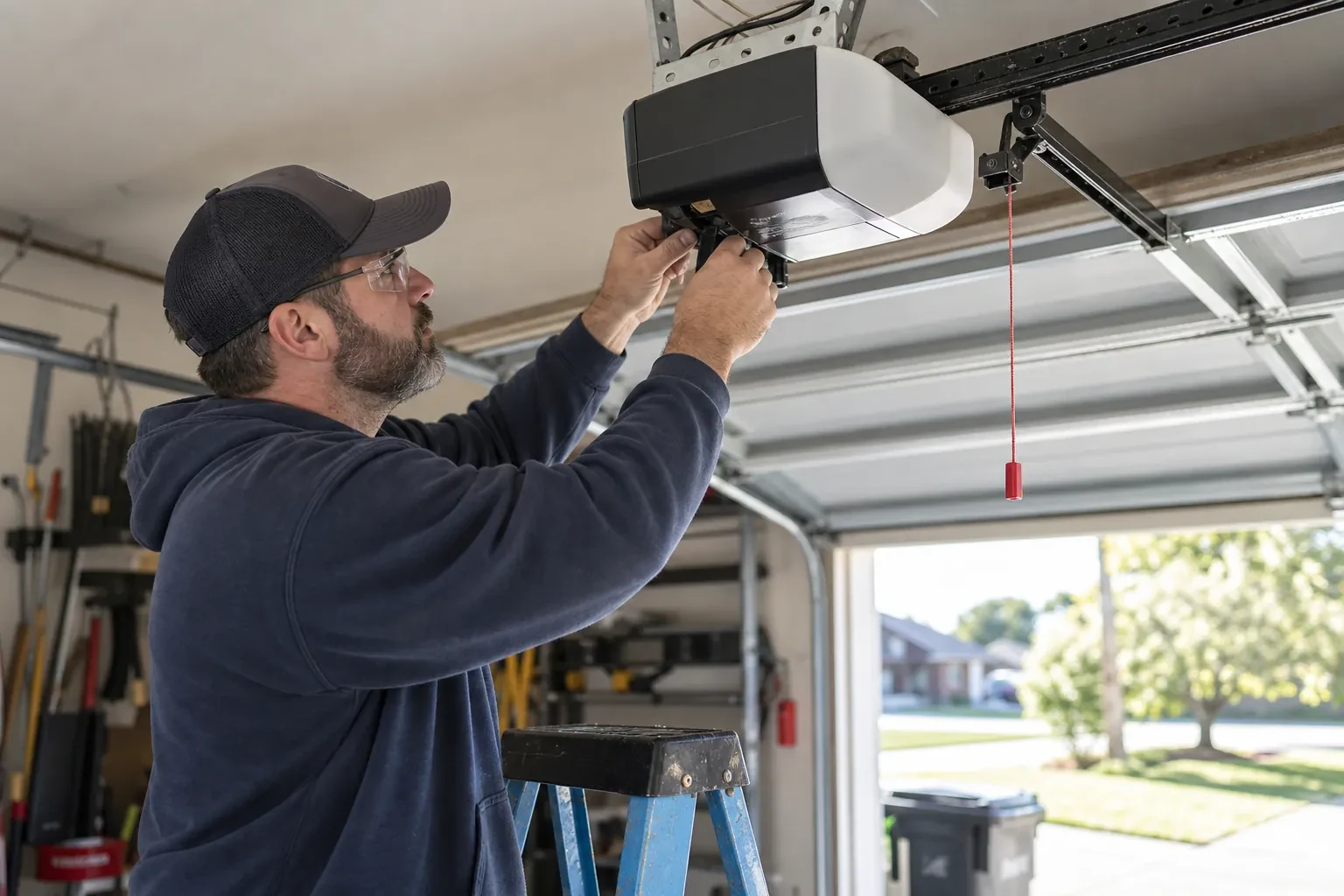
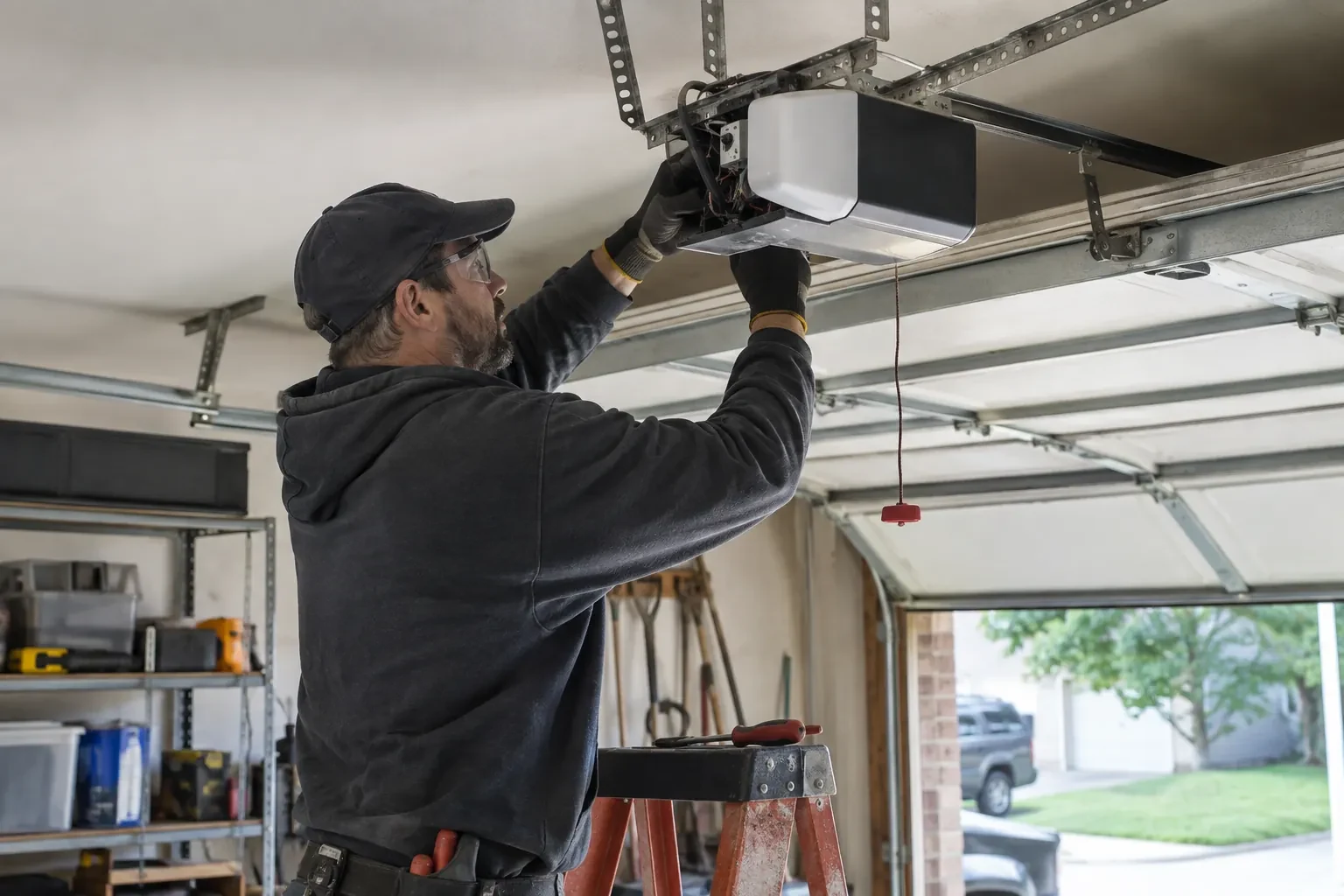
With a compatible remote in hand and the opener confirmed ready, pairing is a short exchange. The technician presses and releases the head unit's learn button, which opens a programming window of roughly half a minute, then presses the chosen remote button until the opener light blinks or the unit gives a click. That button now opens the door. A second button can be tied to a second door or a gate the same way. Each remote is tested from the driveway and from beside the door, and the process is repeated for every device on the list so nobody is left with a control that half works.
Adding a control yourself next time
Because you watched the pairing, you know where the learn button lives under the light cover, what a short press does and, just as importantly, your opener's own erase sequence. Confusing the two is the cause of many surprise lockouts. You have the compatibility details for your opener written down, so the next remote you buy is the right generation, and you know that unplugging the opener during a long absence does not erase anything. Most households can add a remote themselves after seeing it once.
Garage Door Remote and Keypad Programming
In the van
Multi-door keypad
CR2032 and CR2016 coin cells
In-vehicle compatibility bridge module
Contact cleaner and fibreglass brush
AAA and nine-volt keypad batteries
Garage Door Remote and Keypad Programming
What affects the quote
Receiver or logic board fault found
If a known-good remote also fails, the receiver or board is the cause; its diagnosis and replacement are quoted separately from programming.
Access to the head unit
A high ceiling, a storage loft or a car that cannot be moved from under the opener means extra ladder work to reach the learn button.
Connected features
Linking or unlinking a phone app, or checking that a previous owner's account is removed, is quoted as its own step alongside the remotes and keypad.
What to have ready
- Have the bulbs in the opener been changed to LEDs recently?
- Is any remote missing or stolen, or with someone who should no longer have access?
- Roughly how old is the opener, and can you read its model label?
Garage Door Remote and Keypad Programming: questions
QuestionsWhy won't the new remote I bought pair with my opener?
Most often because it belongs to a different radio generation. Openers have changed their radio format several times since the mid-1990s, and a remote built for one format is silent to a receiver from another. On many makes the colour of the learn button, together with the model label, identifies your generation, and the maker's compatibility chart names the remotes that match. A universal remote that covers several generations is another route. Once the two sides share a format, pairing takes moments.
What should I gather before the technician arrives?
Every remote you own, working or not, and the keypad if it has been taken down. The opener's model label or a photo of the learn button under the light cover. The cars whose buttons need training, parked close to the door. A note of who should have access and whether any remote is missing. A code in mind for the keypad. All of this shortens the visit and makes the handover complete.
Will unplugging the opener reset the remotes?
No. The stored controls survive a power cut or a long unplugging; the opener remembers them when power returns, and manufacturers say this plainly. Removing a control is done at the learn button, following the model's sequence, either by erasing the whole memory or, on some models, by deleting a single device through a supported wall control or app. That is reassuring after an outage and important after a lost remote.
Related services
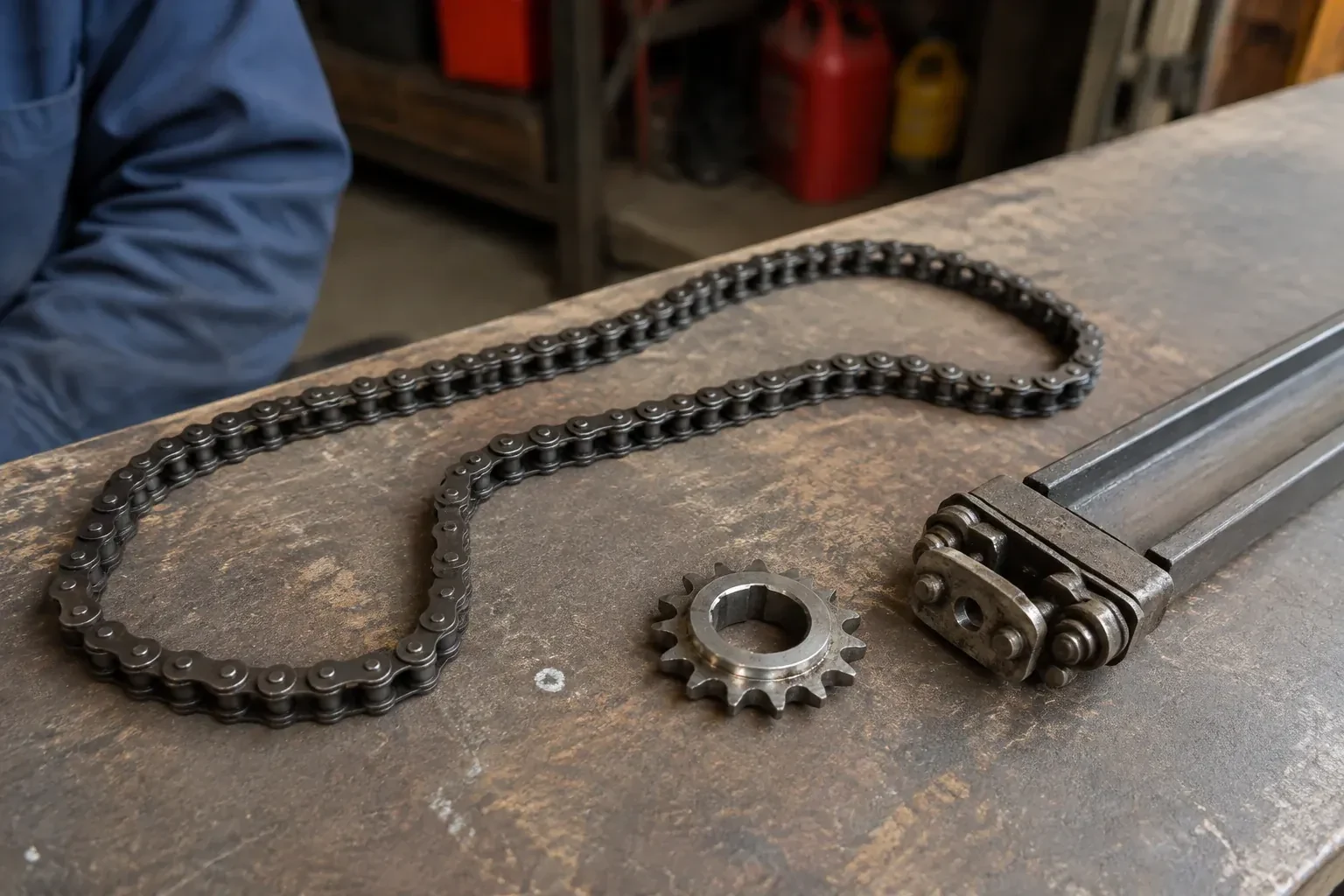
- Chain-Drive Opener RepairPress the button and the opener hums for a second, then quits.
- Belt-Drive Opener RepairPress the remote and the motor runs its full cycle, lights on, the usual whir, but the door does not move a centimetre.
- Garage Door Opener ReplacementThe remotes only work from the end of the driveway now, and one of them disappeared with a set of keys last month.