Openers · Kennedy Park
Smart Garage Controller Setup in Kennedy Park
The house came with a controller already screwed to the garage ceiling and a sensor on the door, but the app insists the device belongs to another account.
In plain words
By the end of the visit your phone shows the door's true state, updates within a few seconds of any movement, and keeps a history of every open and close with the time, and the user when the command came from a signed-in app or virtual key. You can open the door for a delivery from the office, let a relative in for the weekend, and get a nudge if the door is still up at bedtime. Your remotes, keypad and wall button carry on exactly as before. And you understand the system well enough to add a user, change an alert or swap the sensor battery without calling anyone.
How the visit goesOne remote lives in a car you sold last spring. The other needs three presses from the driveway and its battery cover is taped on. Your phone is already in your hand when you pull in, and it would make a better opener.
Smart Garage Controller Setup
How the visit goes
Who owns the account and who needs in
The last check is about people. The technician asks who in the household will hold the main account, which email it should live under, and which family members need everyday access as users. Anyone who should have temporary access, a cleaner or a contractor, is noted so that access can be set to expire. If the property came with a controller already installed, the app is checked to see whether it is still registered to the seller, which decides whether a reset and fresh claim is needed. Knowing all this before the hardware goes up means the account is built correctly once, in your name, with no loose ends.
Taking over a controller left by a previous owner
When the house came with a hub or a connected opener still tied to the seller's account, the device is first removed from that account if the seller can be reached, and otherwise reset to factory settings using the maker's documented procedure. The hub or opener is then paired fresh, joined to your network and claimed under your new login. Any sensor already on the door is checked for battery and placement and re-paired rather than assumed to be working. The old account is cut off from the door for good, and the history you see from then on starts with your household.
Ready for the cold months
An installation done for this climate leaves you set for winter. The sensor is screwed rather than stuck on, its cell is a type built to withstand the cold, and the left-open alert is set so a door left up on a freezing night reaches your phone before the garage has lost its heat. Keep snow and ice cleared from the threshold and the photo-eye lenses, since a blocked beam pauses remote closing until it is cleared, and expect the door to be a shade slower on the coldest mornings. If the app reports the door open when it is plainly shut after a hard frost, the sensor mount is the first thing to check.
Smart Garage Controller Setup
In the van
Cable clips and insulated staples
Lithium coin cell or cylindrical cells
Low-voltage bell wire
Retrofit smart hub
Receptacle splitter with approval mark
Smart Garage Controller Setup
What affects the quote
Wiring route
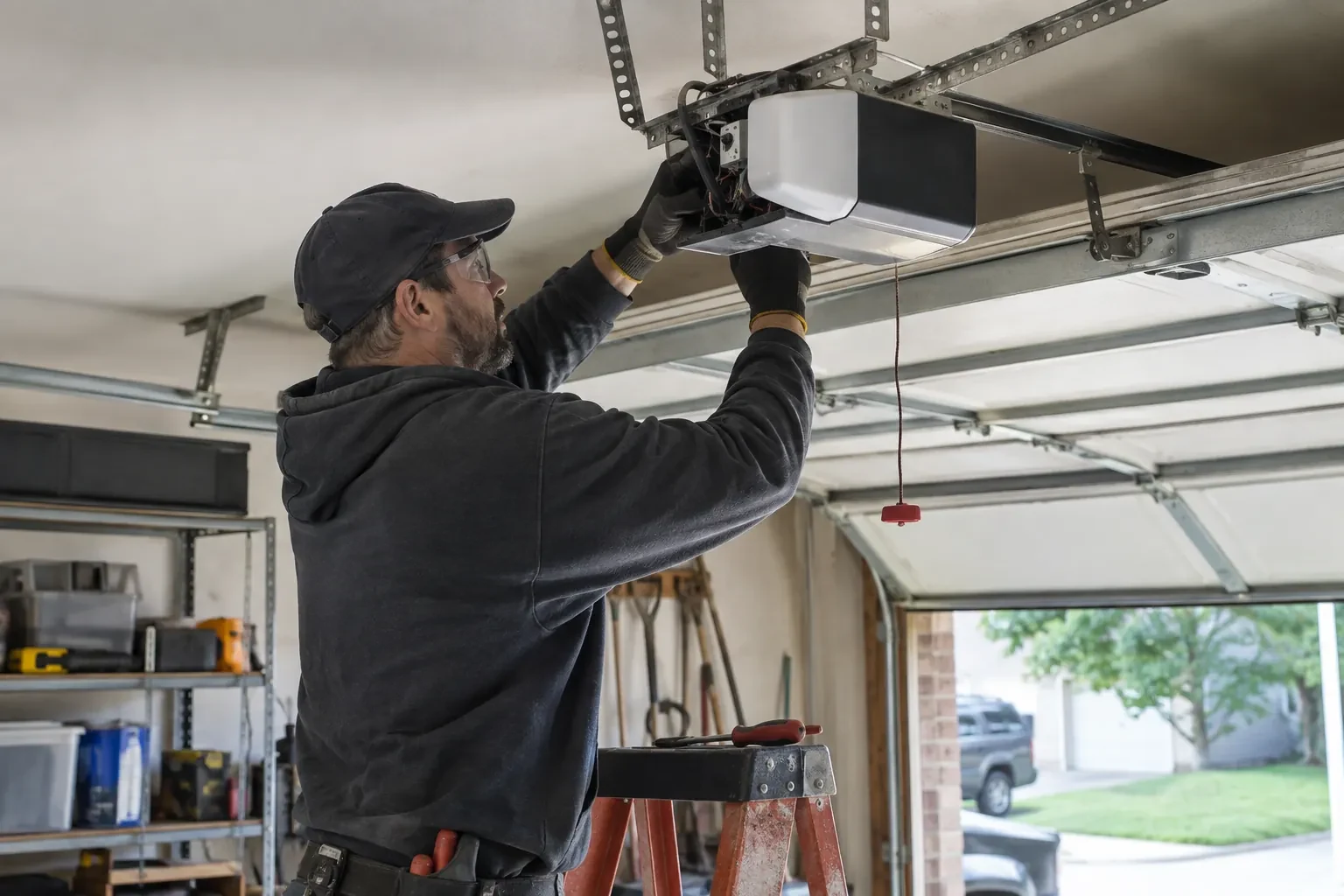
Where the hub is wired to the wall-control terminals, the distance and route from hub to console, clipped clear of the chain and trolley, sets the time for that step.
Taking over an existing device
Releasing a controller from a previous owner's account, resetting it and pairing it fresh takes time that a new device does not, and its sensor may need a battery or repositioning.
Ceiling height and access
A standard garage puts the head unit and the top door panel in easy ladder reach. High ceilings, storage lofts or a car that cannot move add setup time.
What to have ready
- How many garage doors do you want connected?
- Is there a spare socket in the ceiling receptacle the opener uses?
- What brand and model is your opener, and roughly how old is it?
Smart Garage Controller Setup: questions
QuestionsMy opener already has a wireless symbol on it. Do I still need a hub?
Probably not. An opener with a built-in radio needs only to be put into pairing mode, joined to your network and registered to your account; it reports door position from its own travel sensing, so no separate sensor is required either. The visit becomes configuration and testing rather than installation. The technician also checks that the unit has not been left tied to a previous owner and that its firmware is current.
Do you need my Wi-Fi password?
No. The technician will ask you to type it into the app yourself at the right moment and will look away while you do. The same goes for the account password and any verification code. The technician needs to see that the hub has joined and that commands work, not the credentials that made it happen. If you do not know your network password, find it before the visit; it is often printed on the router.
Can the door close itself at night?
Yes, with a schedule. You choose a time, and each night the controller sounds its warning, flashes its light and attempts to close the door if it is open; the close can fail if the beam is blocked, a sensor is faulty, or the controller is offline. Because it is unattended, the same safety rules apply: the door refuses or reverses if the beam is broken. Many households pair the schedule with a left-open alert so they hear about it either way.
Related services
- Chain-Drive Opener RepairPress the button and the opener hums for a second, then quits.
- Belt-Drive Opener RepairPress the remote and the motor runs its full cycle, lights on, the usual whir, but the door does not move a centimetre.
- Garage Door Opener ReplacementThe remotes only work from the end of the driveway now, and one of them disappeared with a set of keys last month.