Openers · Toronto
Smart Garage Controller Setup in Toronto
The house came with a controller already screwed to the garage ceiling and a sensor on the door, but the app insists the device belongs to another account.
In plain words
Everything about this service starts with the label on your opener. Brand, model number and year of manufacture decide whether a hub can be wired to the same terminals your wall button uses, whether it must instead pair by radio the way a new remote does, or whether the opener already has connectivity waiting to be activated. On many openers the colour of the learn button is the shortcut to that answer, because it marks the generation of radio coding the unit speaks. The technician reads all of this before choosing hardware, so the controller that goes up is one the maker lists as supported for that exact opener.
How the visit goesYour daughter gets home from school an hour before anyone else. She has lost two house keys this year, and the garage keypad code has been shared with half her class. You would rather open the door from your desk and know the moment she is in.
Smart Garage Controller Setup
How the visit goes
Who owns the account and who needs in
The last check is about people. The technician asks who in the household will hold the main account, which email it should live under, and which family members need everyday access as users. Anyone who should have temporary access, a cleaner or a contractor, is noted so that access can be set to expire. If the property came with a controller already installed, the app is checked to see whether it is still registered to the seller, which decides whether a reset and fresh claim is needed. Knowing all this before the hardware goes up means the account is built correctly once, in your name, with no loose ends.
The account, in the owner's hands
Account creation happens on the owner's own phone. The technician opens the right screen and explains each choice, and the owner types the email, chooses a password and sets the recovery method and, where offered, two-step verification. The technician does not see, record or photograph any of it. The door is given a name that will make sense in a notification, the home address is entered if the app uses location for reminders, and the time zone is confirmed so schedules and history line up with the clock on the wall. If the app asks for permissions on the phone, only the ones the features actually need are granted.
Keeping the account yours
The controller is now a door key that lives in an account, so the account gets the same care as a key ring. Keep the password unique to this service and stored in a password manager, turn on two-step verification if the app offers it, and look at the user list every few months. When a cleaner finishes, a tenant moves out or a relationship changes, their access is removed in a few taps. If a phone is lost, signing out of all devices from the account settings closes that door too. None of this needs a technician; the visit ended with you shown exactly where each of these controls lives.
Smart Garage Controller Setup
In the van
Cable clips and insulated staples
Lithium coin cell or cylindrical cells
Low-voltage bell wire
Retrofit smart hub
Receptacle splitter with approval mark
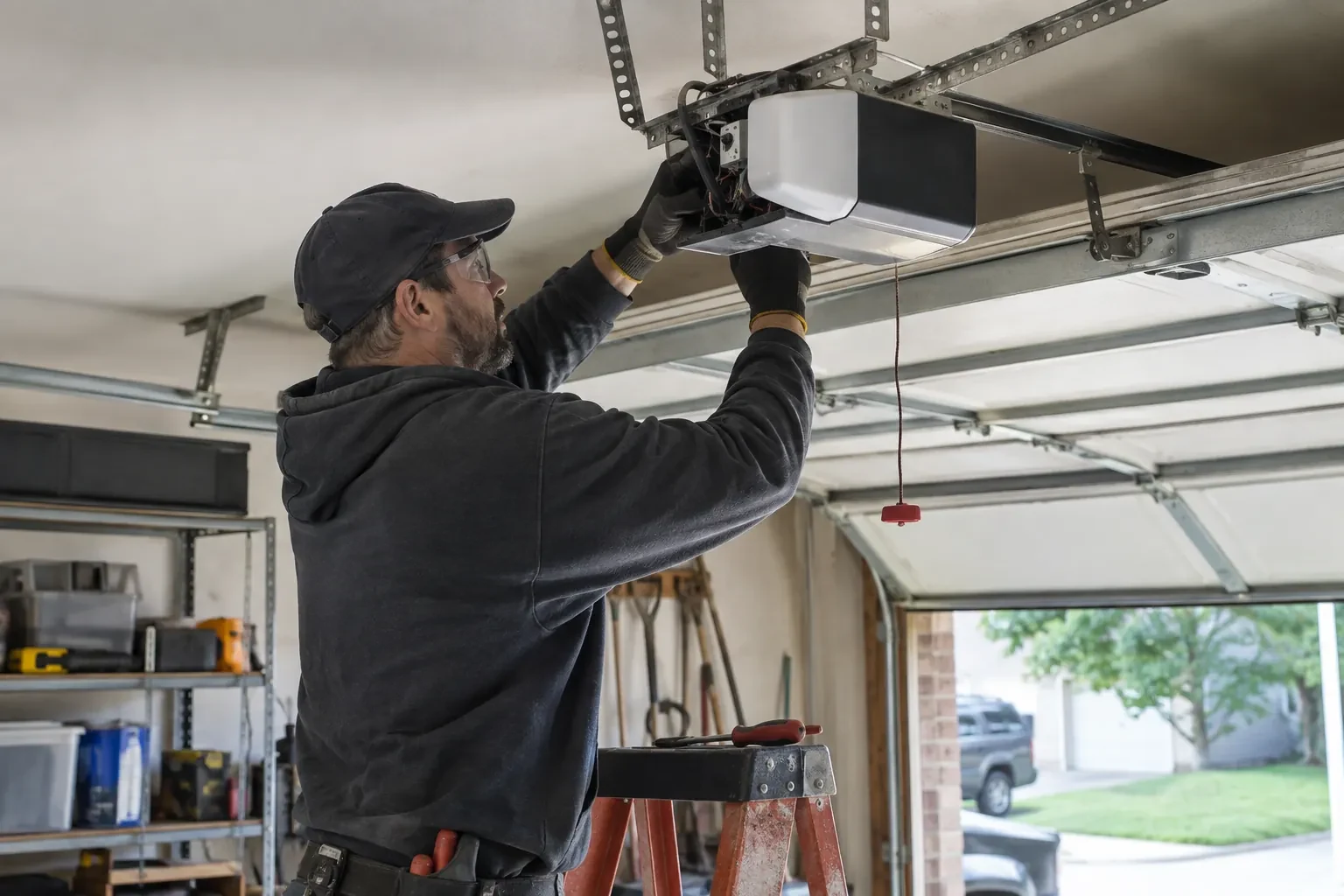
Smart Garage Controller Setup
What affects the quote
Wiring route
Where the hub is wired to the wall-control terminals, the distance and route from hub to console, clipped clear of the chain and trolley, sets the time for that step.
Cellular backup if the home Wi-Fi goes down
A hub that only works over Wi-Fi stops reporting the moment the internet drops, which matters most during a storm. A cellular backup module keeps alerts and remote closing working through an outage, and whether one is added is decided once the household's connectivity is reviewed.
Photo eyes needing attention first
Remote closing requires a working sensor pair. Realigning a bracket is small; replacing a failed pair and running new wire is a separate item the technician names before starting.
What to have ready
- Is there a spare socket in the ceiling receptacle the opener uses?
- What colour is the learn button under the opener's light cover?
- How strong is your phone's Wi-Fi signal when you stand under the opener?
Smart Garage Controller Setup: questions
QuestionsMy opener already has a wireless symbol on it. Do I still need a hub?
Probably not. An opener with a built-in radio needs only to be put into pairing mode, joined to your network and registered to your account; it reports door position from its own travel sensing, so no separate sensor is required either. The visit becomes configuration and testing rather than installation. The technician also checks that the unit has not been left tied to a previous owner and that its firmware is current.
Do you need my Wi-Fi password?
No. The technician will ask you to type it into the app yourself at the right moment and will look away while you do. The same goes for the account password and any verification code. The technician needs to see that the hub has joined and that commands work, not the credentials that made it happen. If you do not know your network password, find it before the visit; it is often printed on the router.
Can the door close itself at night?
Yes, with a schedule. You choose a time, and each night the controller sounds its warning, flashes its light and attempts to close the door if it is open; the close can fail if the beam is blocked, a sensor is faulty, or the controller is offline. Because it is unattended, the same safety rules apply: the door refuses or reverses if the beam is broken. Many households pair the schedule with a left-open alert so they hear about it either way.
Related services
- Chain-Drive Opener RepairPress the button and the opener hums for a second, then quits.
- Belt-Drive Opener RepairPress the remote and the motor runs its full cycle, lights on, the usual whir, but the door does not move a centimetre.
- Garage Door Opener ReplacementThe remotes only work from the end of the driveway now, and one of them disappeared with a set of keys last month.